
Call lists moved into Contacts, and a new property page
Also in this release: a cleaner Phone settings page, fewer duplicate texts, and automations that keep running.
Call lists moved into Contacts
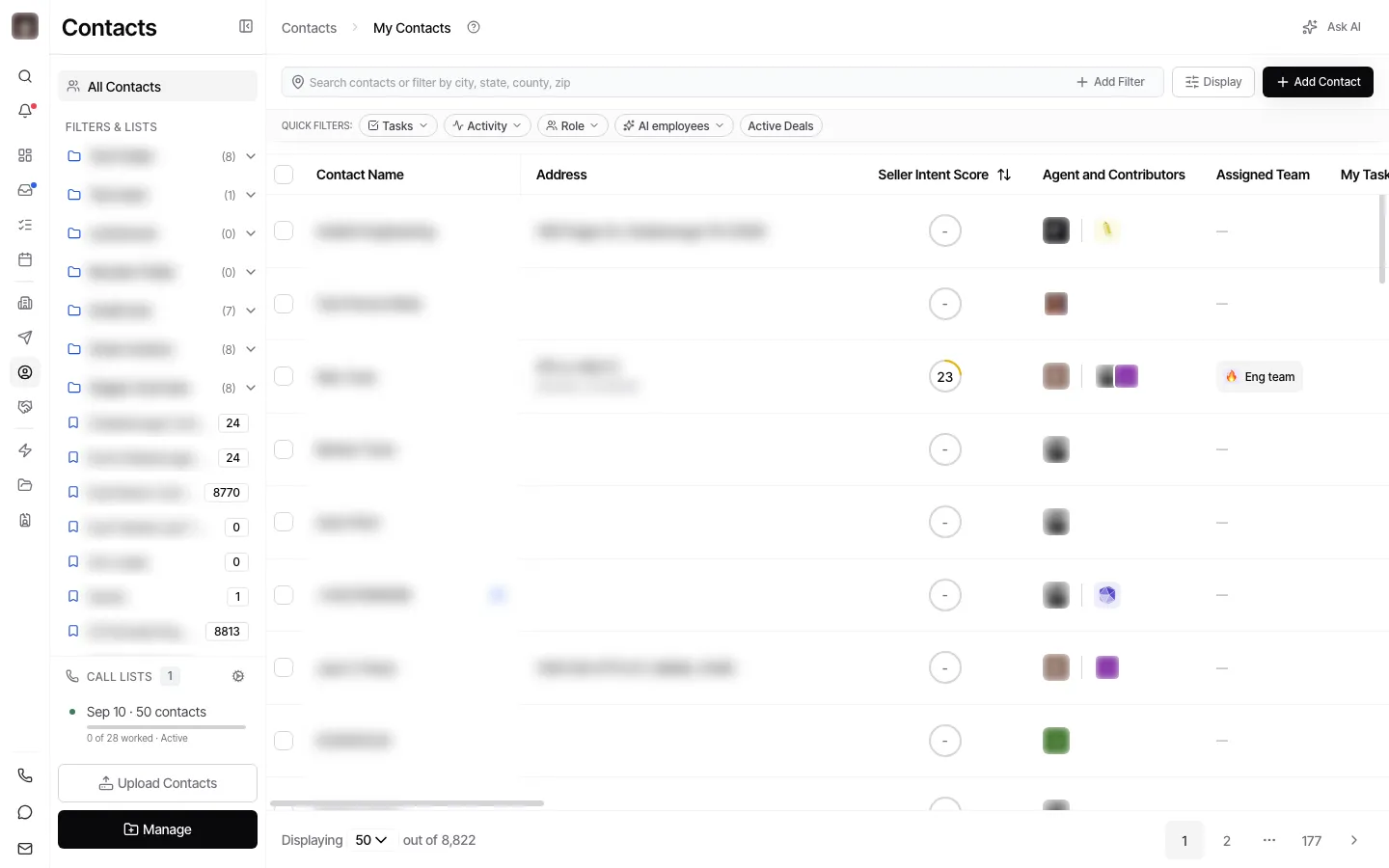
Section titled “Call lists moved into Contacts”The Dialer is now called Call Lists, and it no longer has its own page. Open Contacts and you will find your call lists in the left-hand panel, under your folders. Click one to open it and start calling.
A redesigned property page
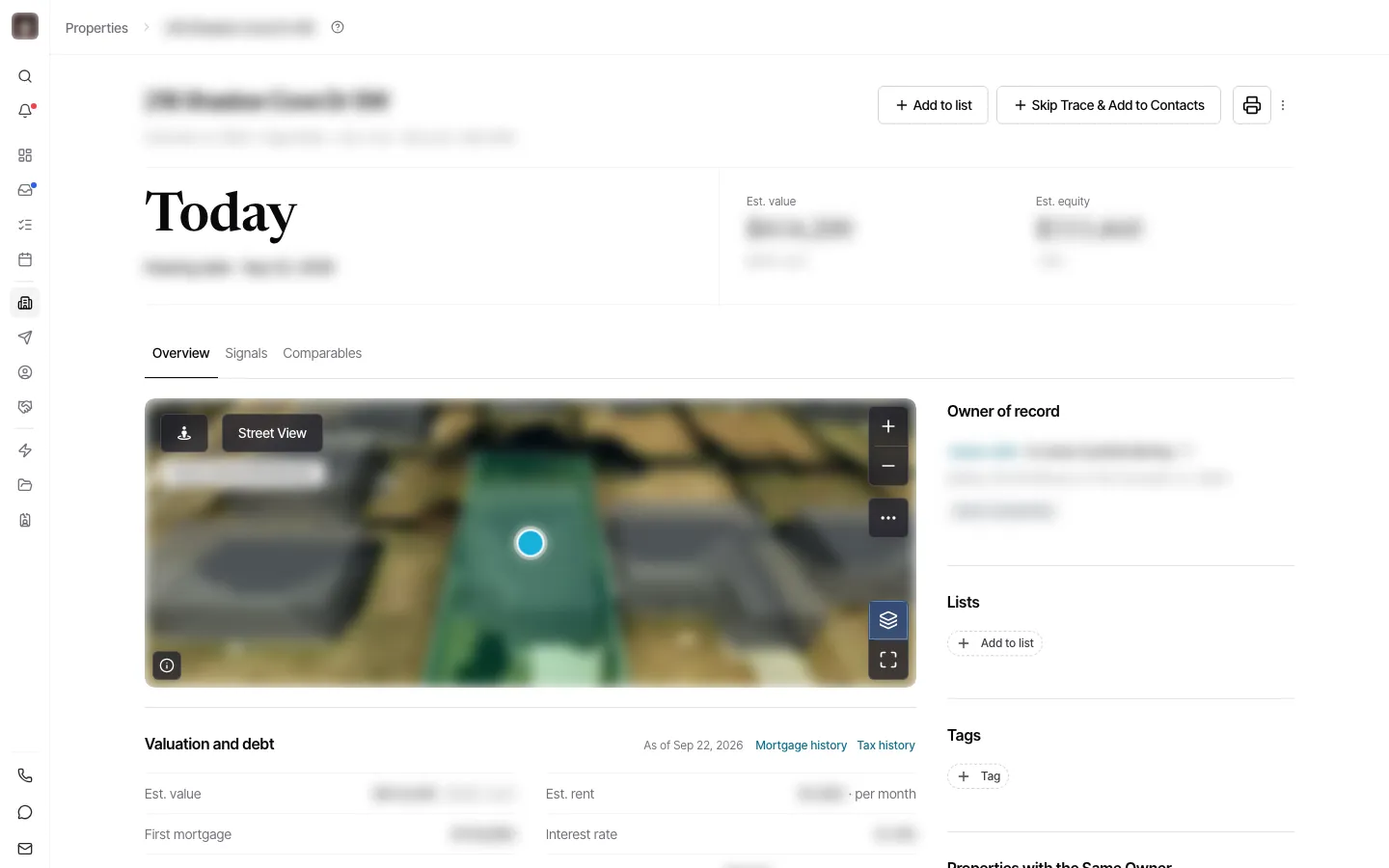
Section titled “A redesigned property page”Opening a property now shows the new property page to everyone. The same information is there, laid out more clearly, and a short guided tour points out where things are the first time you open it.
Owner column on the Comps tab
Section titled “Owner column on the Comps tab”On a property’s Comps tab, each comp now shows its owner in a column of its own, and you can filter comps to individual or company owners.
A cleaner Phone settings page
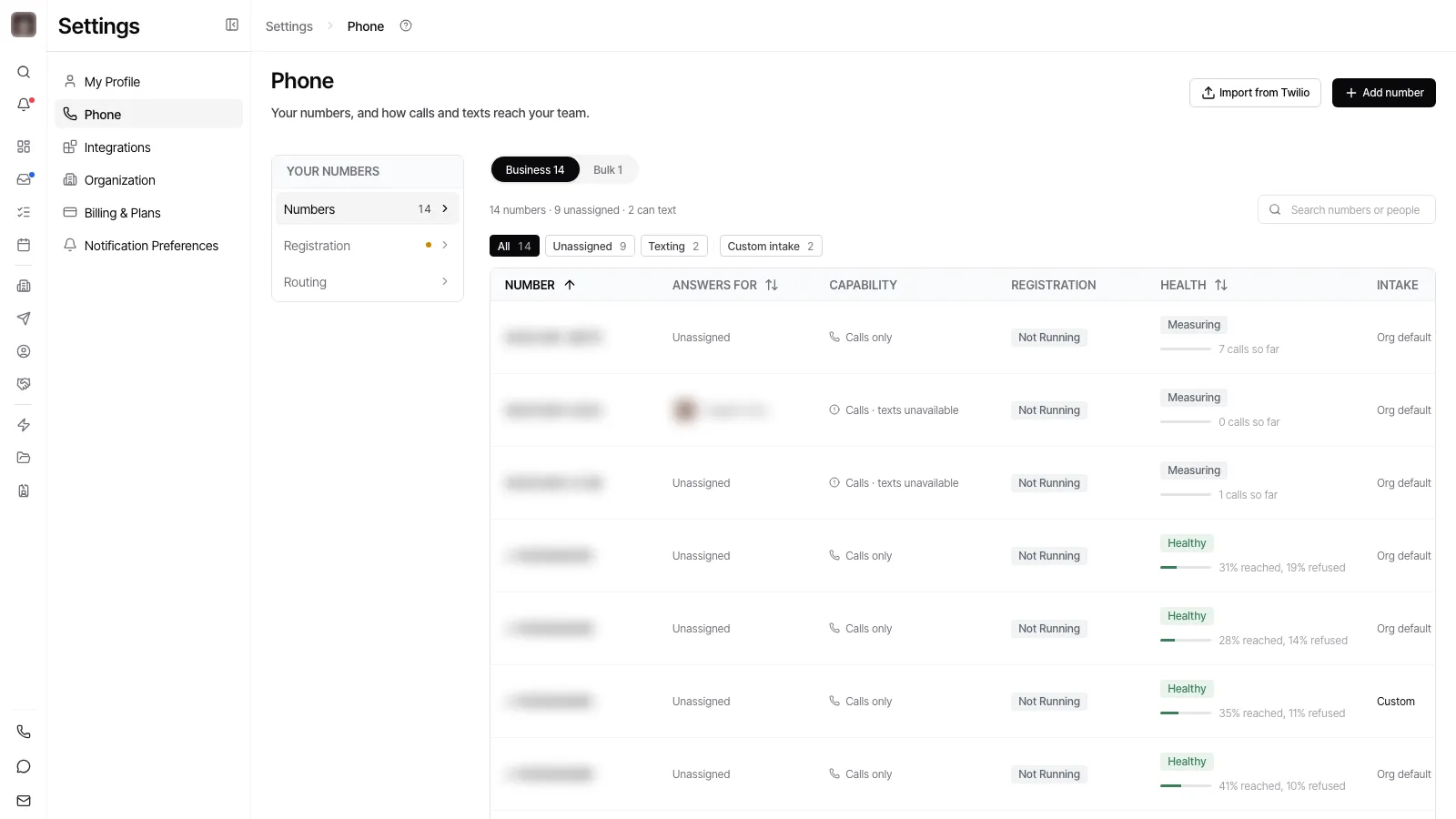
Section titled “A cleaner Phone settings page”Settings, then Phone, has a new layout: your numbers are listed down the side, and each setting sits on its own card.
One place to finish setting up
Section titled “One place to finish setting up”The setup checklist on the dashboard now sends you to the Set up Goliath page, so there is one setup to follow instead of two that overlapped.
A clear message when a filter is not on your plan
Section titled “A clear message when a filter is not on your plan”Opening a saved link or a shared URL whose filter uses a field your plan does not include no longer shows an empty list reading “No matching properties”. The filter is set aside, a notice explains why the list is wider than you expected, and select-all now picks the rows you can actually see.
A change your employee could not save is held for you
Section titled “A change your employee could not save is held for you”When a save from an AI employee’s chat fails, the change is now kept and offered back to you instead of disappearing with the message. Before this, the reply said to ask again later and the work was gone.
No repeated text when a send is uncertain
Section titled “No repeated text when a send is uncertain”If the phone carrier accepts a message but the confirmation is lost, the retry now checks for the message already queued before sending again. Contacts stop receiving the same automated text twice.
Automations keep running after they send a text
Section titled “Automations keep running after they send a text”An automation that sent a text used to be marked as stuck about twenty minutes later and stop, so every later step was skipped. The step now waits properly for the delivery result and the automation carries on.
An automation waiting on a delay no longer gets stuck
Section titled “An automation waiting on a delay no longer gets stuck”A network hiccup while scheduling a wait step could leave an automation paused with nothing to restart it. The wait is now retried, and an automation that misses its wake-up is picked up automatically.
An automation whose texts are all blocked stops sooner
Section titled “An automation whose texts are all blocked stops sooner”When every text an automation sends is rejected by the phone carriers, it now pauses after three attempts rather than ten, and the reason it gives points at your number’s registration instead of the message.
Alerts about a failed text arrive in the app
Section titled “Alerts about a failed text arrive in the app”The notice telling you a text was not delivered is no longer sent to you as a text. It now appears in your notifications only, which is where you were already working.
An employee chat no longer claims a save it did not make
Section titled “An employee chat no longer claims a save it did not make”If an AI employee’s reply says it made a change while nothing was saved, the reply is corrected before you see it and says plainly that nothing was saved. A reply that failed a check is also rewritten quietly instead of apologising to you for something you never raised.
More accurate dates on deceased owner records
Section titled “More accurate dates on deceased owner records”Obituary text is read more carefully in two ways. A death the source explicitly denies no longer records a date of death, and a date is no longer lost when the page uses a non-breaking space inside a phrase like “passed away” or “at home”.
A steadier app under heavy background work
Section titled “A steadier app under heavy background work”The app could slow down for everyone while a large background job was running. That job no longer holds the rest of the app up.
Disconnecting a mailbox accounts for the automations using it
Section titled “Disconnecting a mailbox accounts for the automations using it”An automation that sends email from a shared team mailbox is now recorded as depending on that mailbox, whoever built the automation. Disconnecting the mailbox shows those automations in the impact list instead of letting their next run fail.