
Records
Records collects what came through your conversations: photos and documents sent by text or email, files attached to contacts, and call recordings and voicemails. Nothing needs to be added by hand; it fills in on its own. Open Library → Records.
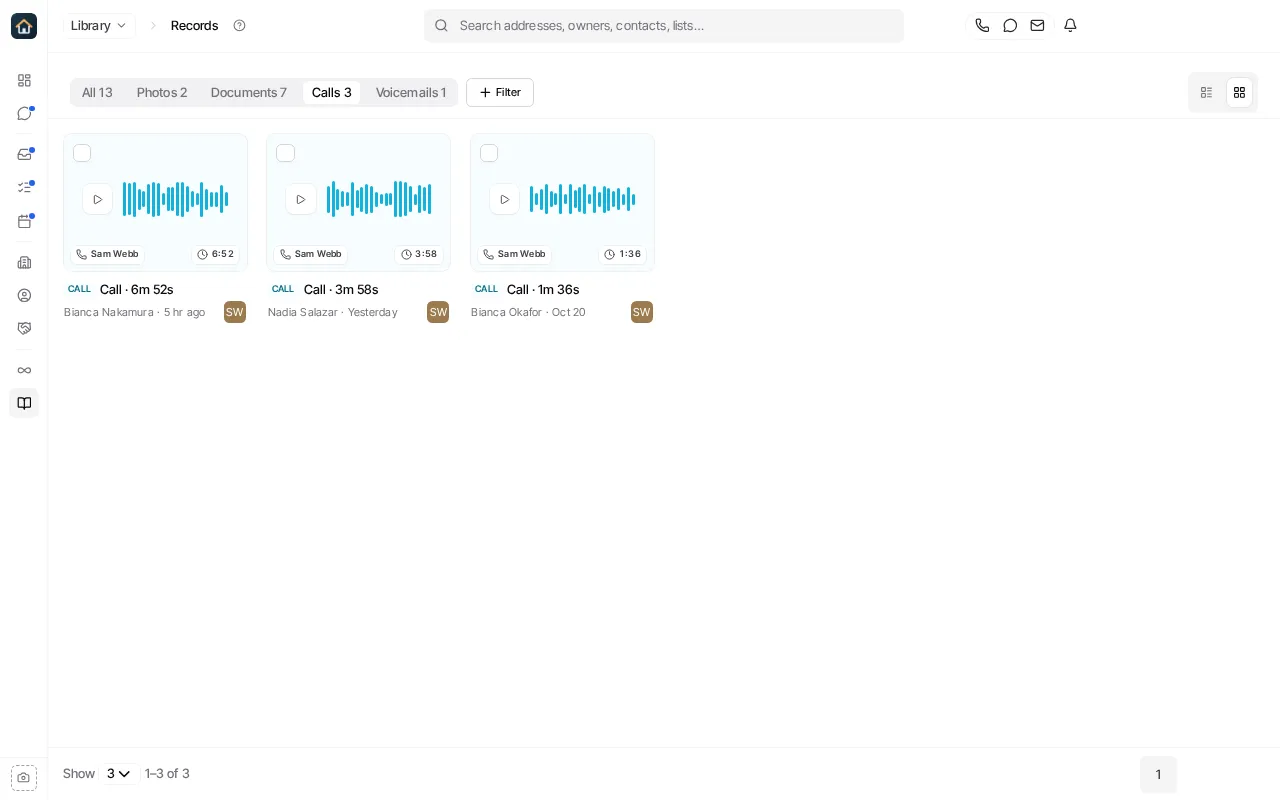
Find a record
Section titled “Find a record”- The tabs show All, Photos, Documents, Calls or Voicemails.
- Filter narrows the list, for example to what came From them, what was uploaded by hand, This week, or records On my deals, or to one contact or teammate.
- The List and Grid buttons change the layout. Each record shows the contact it belongs to and when it arrived.
Open a record
Section titled “Open a record”Select a record to open it. A photo or document opens in a preview. A call or voicemail opens with its recording, and its Summary and Transcript when there is one. From a record you can:
- Download a photo or document. A call is played or saved from its own page.
- Copy to My files, for a photo or document, to keep a copy in Files.
- Open contact or Open conversation to see where it came from.
Related guides
Section titled “Related guides” Ask Goliath Reading: Records