
Review form submissions
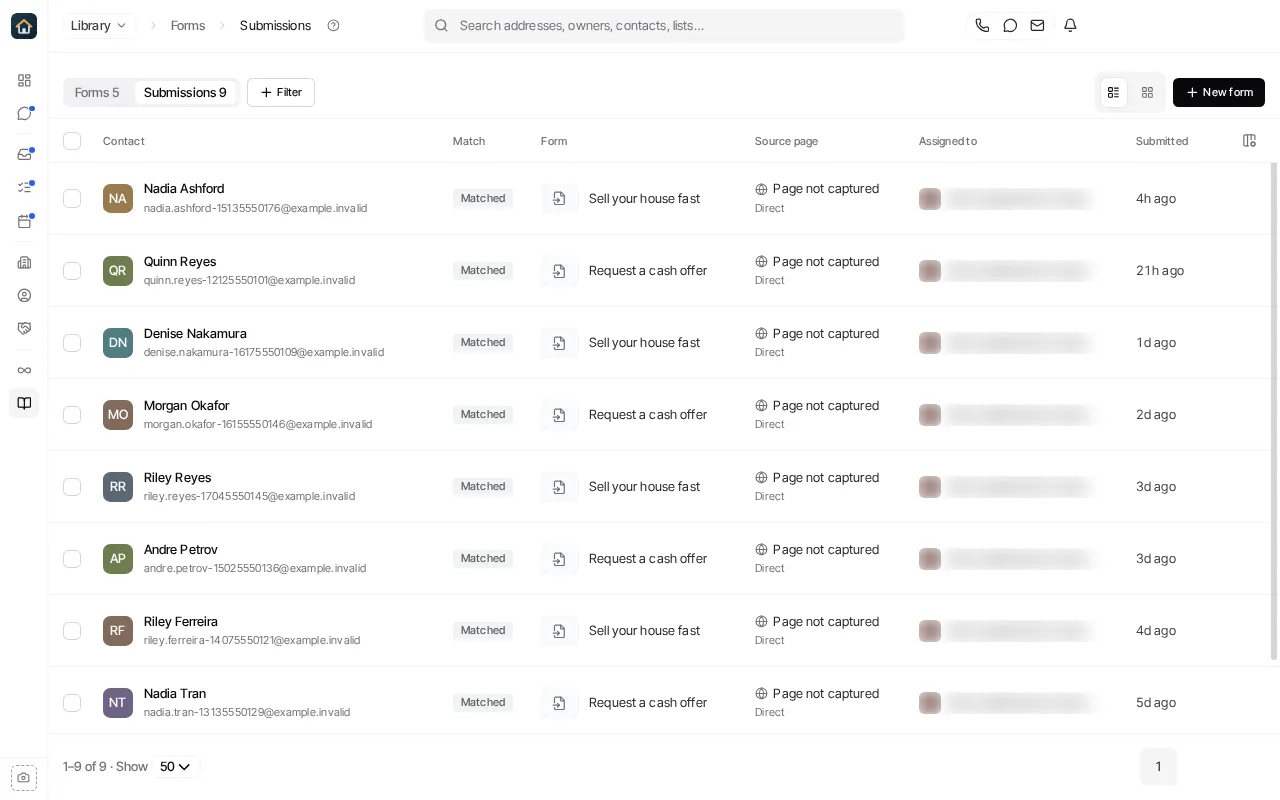
Open Library → Forms, then select the Submissions tab. It lists every submission across your forms, newest first: who submitted, how to reach them, whether it created a contact or matched one, the form, the page they submitted on, and their Agent.
Focus on one form
Section titled “Focus on one form”Narrow the list to one form with its filter, or open the form and select its Submissions tab. A form’s submission count links here already filtered.
Inspect a submission
Section titled “Inspect a submission”- Select a row to open the submission.
- Review the answers the person gave.
- When the form collected consent, review the consent record. It can show the saved consent value, when it was given, and the exact consent text the person saw.
- Choose View Contact to open the contact it created or matched, or View Form to open the form.
Act on several submissions
Section titled “Act on several submissions”Select submissions to Export CSV or Add to list (adds their contacts to a contact list). Submissions can’t be deleted.
What happens to a submission when it arrives is set on the form. See Route form submissions.
Ask Goliath Reading: Review form submissions