
Add Properties to a List
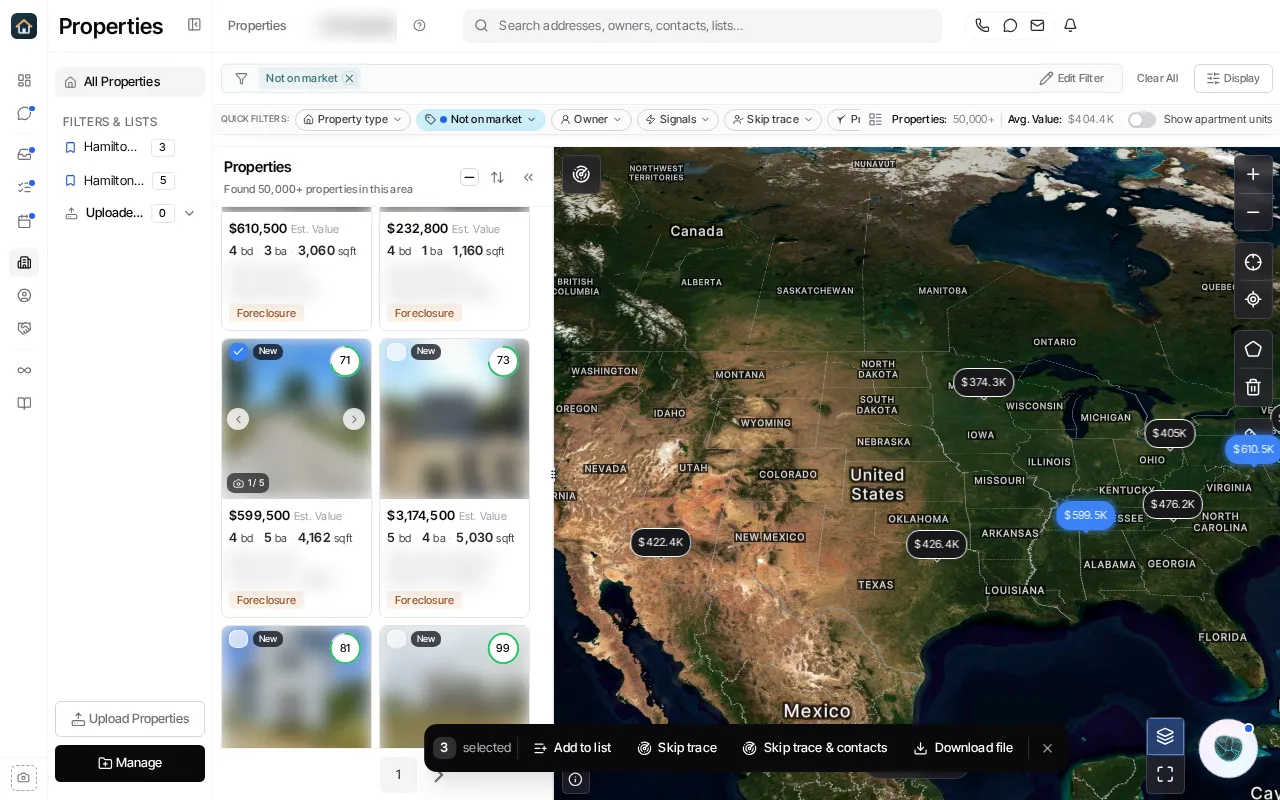
- Open Properties and narrow the result set if needed.
- Select individual rows, or use the selection control to select a page or the matching result set when that option is available.
- Confirm the selected count in the floating selection bar.
- Choose Add to list.
- Select one or more existing lists, or create a list from the picker, then confirm the change.
Lists keep a chosen set of records. They are different from saved filters, which rerun criteria when opened. Check the count before confirming a filter-wide selection, especially before any follow-on bulk action.
Ask Goliath Reading: Add Properties to a List