
Tag a Property
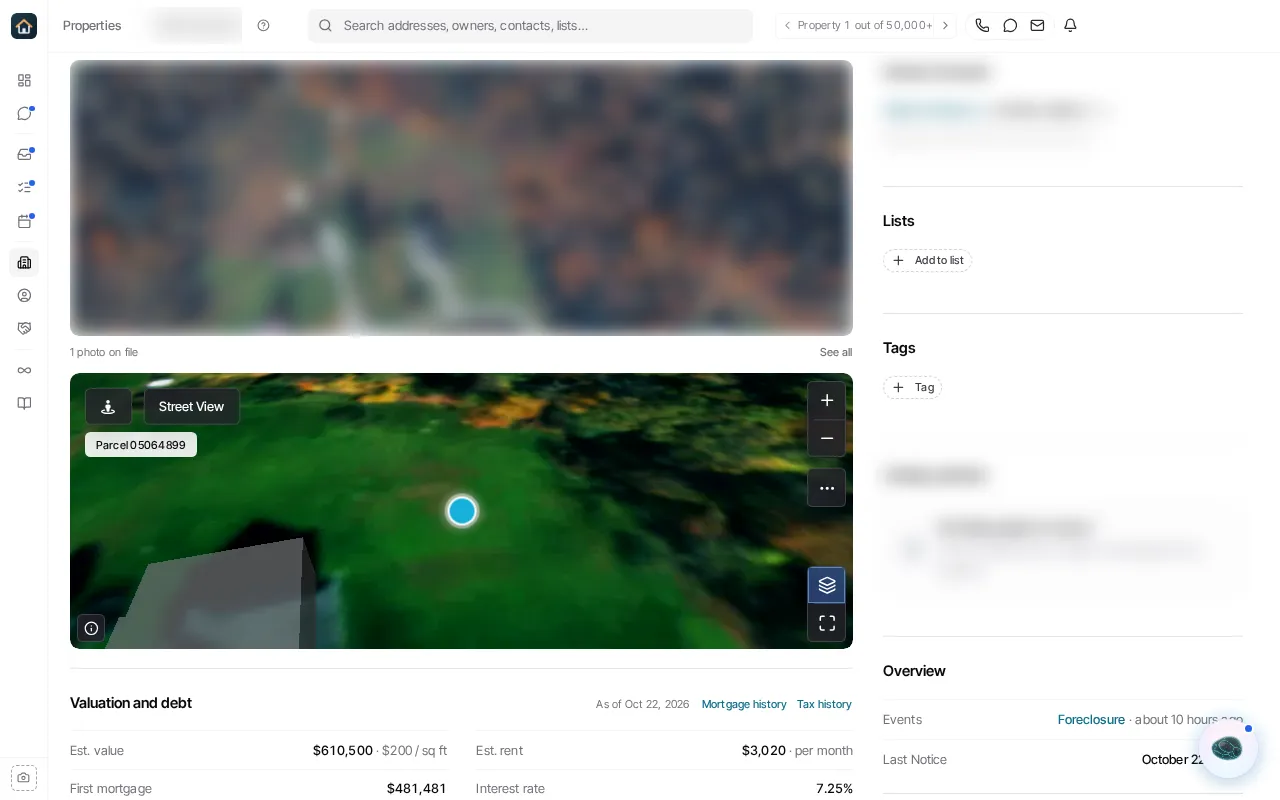
- Open a property from Properties.
- Find its Tags section and choose the add-tag control.
- Select an existing tag or create a new one when that option is available.
- Remove a tag from the same property area when it no longer applies.
Tags are organization labels attached to a property. They can support filtering, but they are not the same as lists: a list holds an intentionally selected cohort, while a tag is an attribute that can be attached to many records.
Ask Goliath Reading: Tag a Property