
How Do I Add a Note to a Contact?
Add a note
Section titled “Add a note”-
Open the contact timeline
Open the contact record, then locate the activity composer at the top of the timeline. It includes actions for a note, voice, text, email, and call activity.

-
Open the note composer
Select the note area to open the full editor.
-
Write and add the note
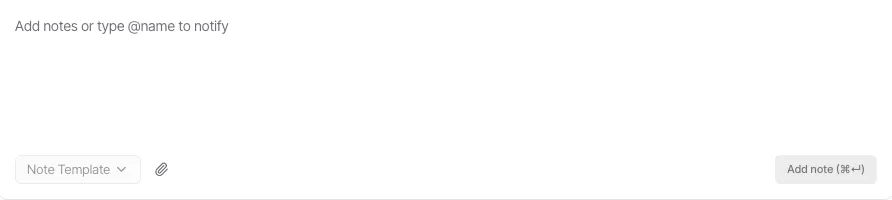
Enter your internal note. You can use a note template, attach a file, or type @ followed by a name to notify someone. When the note is ready, select Add note to save it to the contact timeline.
Related guides
Section titled “Related guides” Ask Goliath Reading: How Do I Add a Note to a Contact?