
Work with Deals

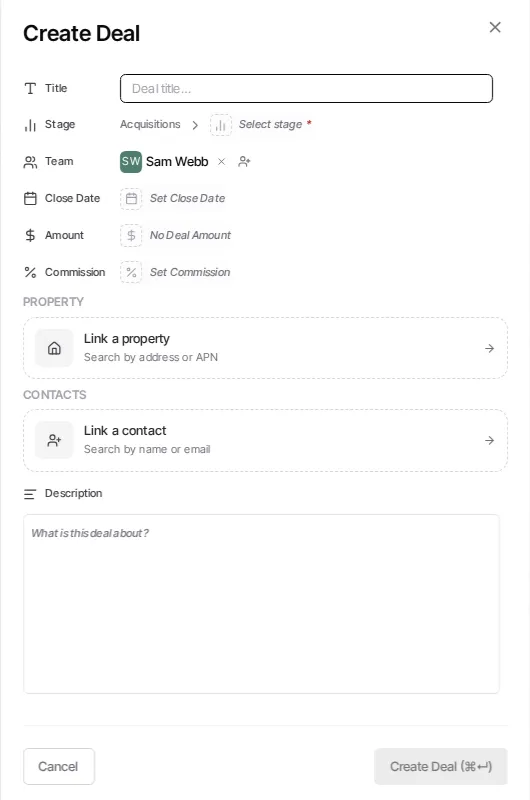
The Deals workspace
Section titled “The Deals workspace”The Deals workspace has Kanban and list views over the same pipeline records. Use the pipeline and filters to focus the work that needs attention, then open a deal to review and update its details.
Move a deal forward
Section titled “Move a deal forward”-
Open Deals
Select Pipelines from the sidebar and choose the pipeline you need.
-
Filter the view when needed
Use the available filters to narrow the board or list before making changes.
-
Open the deal
Select a deal to inspect its details, including its linked records and the current stage.
-
Change the stage
In Kanban view, move the card to the appropriate stage. In the deal details, use the stage control when that is the clearer way to make the update.
Keep the pipeline meaningful
Section titled “Keep the pipeline meaningful”A stage should describe a real step in your process. Organization administrators can manage pipeline structure; before deleting or renaming a stage, review the deals and workflow rules that depend on it.