
How Do I Create an Email Template?
- Go to Library → Templates, select New template, select Blank template, then choose Email template.
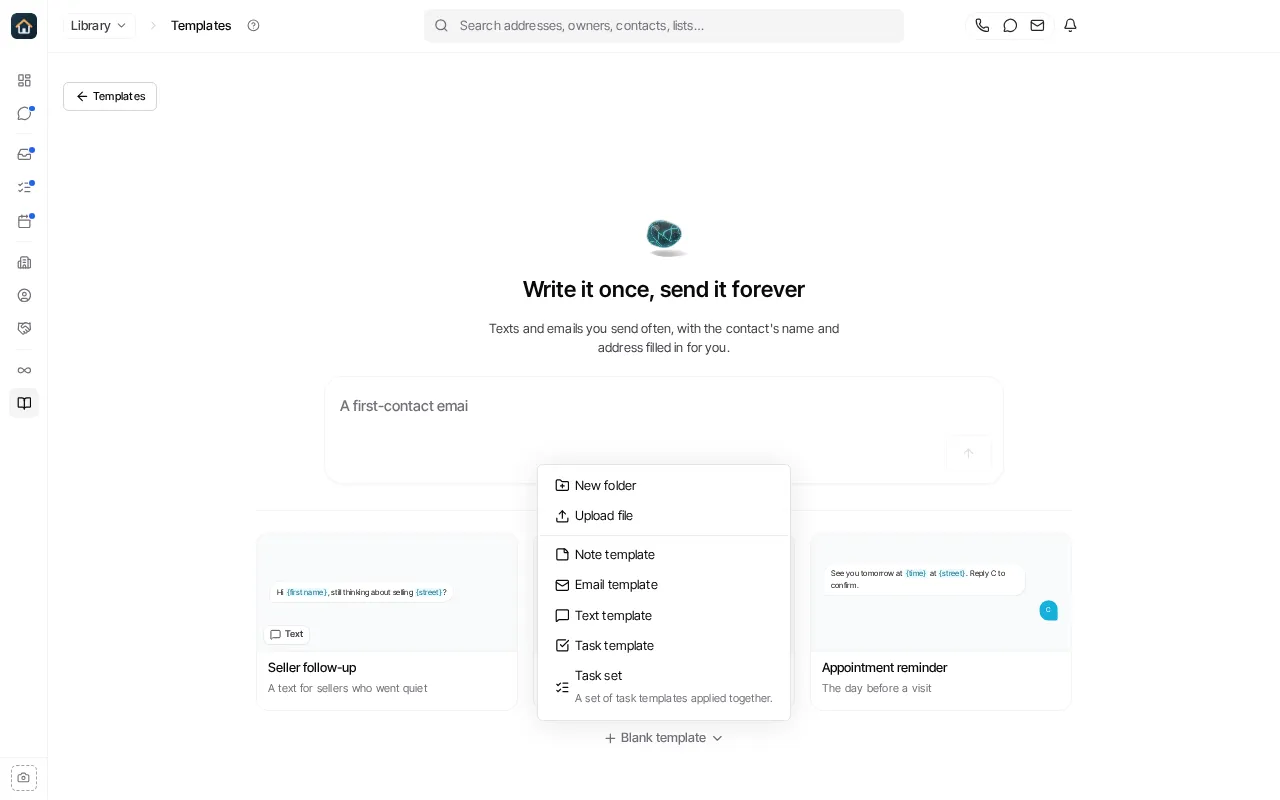
- Replace Untitled Email Template with a descriptive name, then write the subject and body.
- Use Insert variable to insert supported record data rather than typing placeholder text yourself.
- Use Attach files if you need to include an attachment.
- Select Save template.
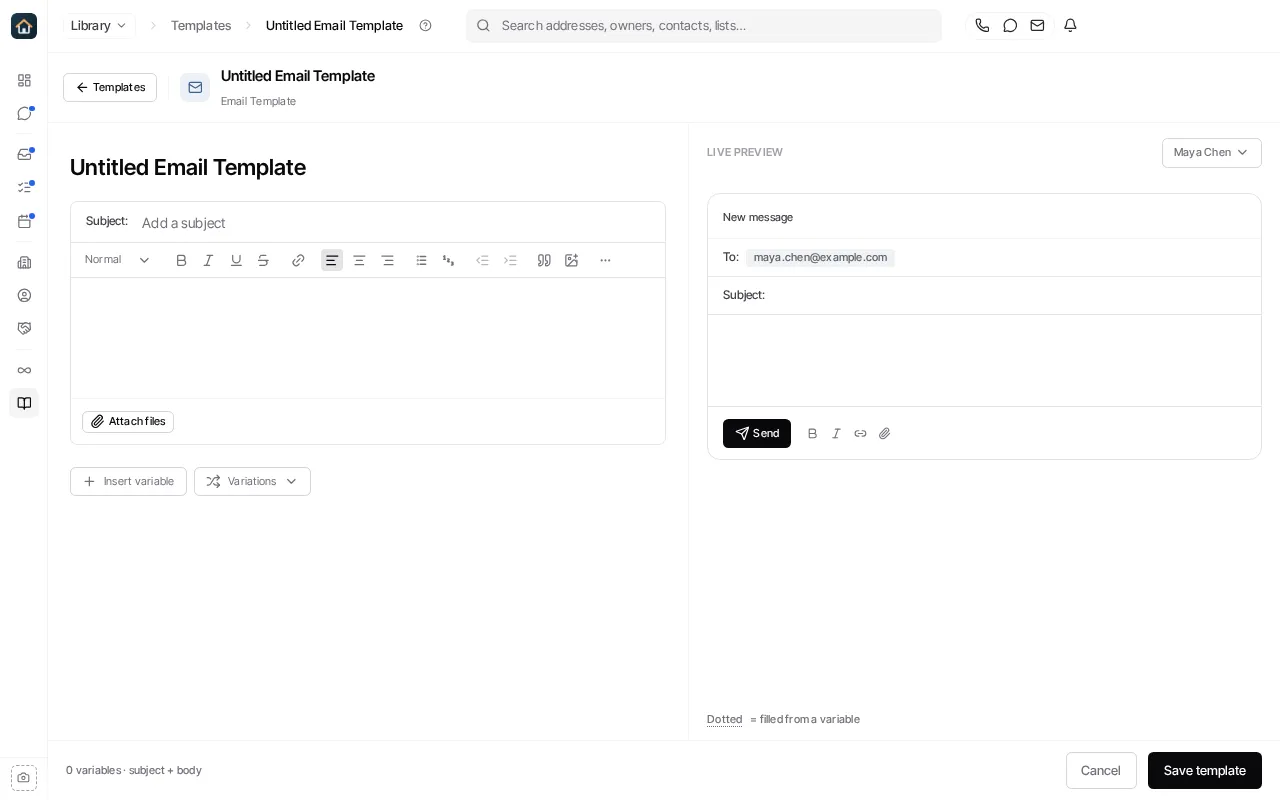
Templates can be organized into folders. Before adding a template to a workflow or sending it to customers, preview it with a representative contact so you can confirm variables have useful values.
See Templates for the overview.
Ask Goliath Reading: How Do I Create an Email Template?