
How do I send an email to a contact?

- Open the contact and choose its Email action.
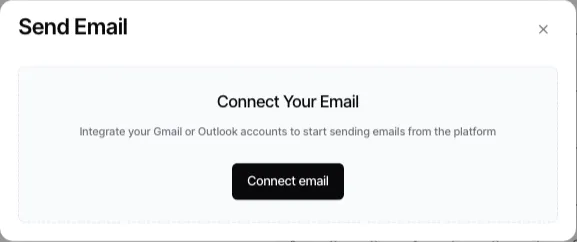
- If Goliath asks you to connect email, select Connect Email, complete the Google or Microsoft authorization flow, then return to the composer.
- Check the From mailbox and the To recipient. Add Cc or Bcc recipients when required.
- Enter the subject and body, or apply an email template and review the rendered draft.
- Add any allowed attachments, then select Send.
The contact’s on-file addresses can be offered as recipients, but confirm the actual address before sending. Use the email guide for mailbox setup, signatures, replies, and attachment behavior.
Ask Goliath Reading: How do I send an email to a contact?