
How do I upload a CSV?
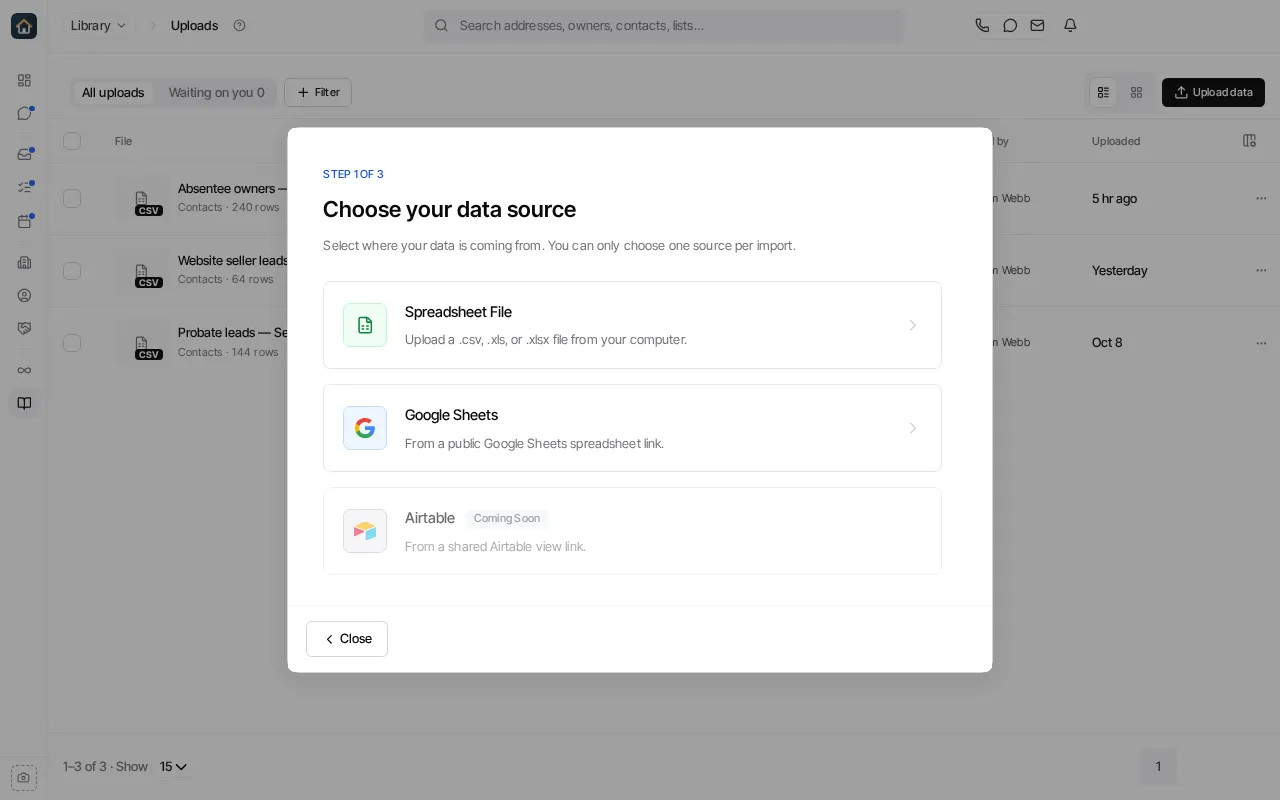
- Open Library → Uploads and select Upload data (or New → Upload data on the Library home page).
- Choose Spreadsheet File and select the CSV from your computer.
- At What do you want to do with it?, choose Create Contacts, Skip Trace & Export or Tag Properties.
- Check the preview and the column mapping, then confirm.
Keep names, phones, emails and addresses in separate columns. If the preview reads a column wrong, fix the mapping or the file before you confirm. See Upload data.
Ask Goliath Reading: How do I upload a CSV?