
Save a Property Filter
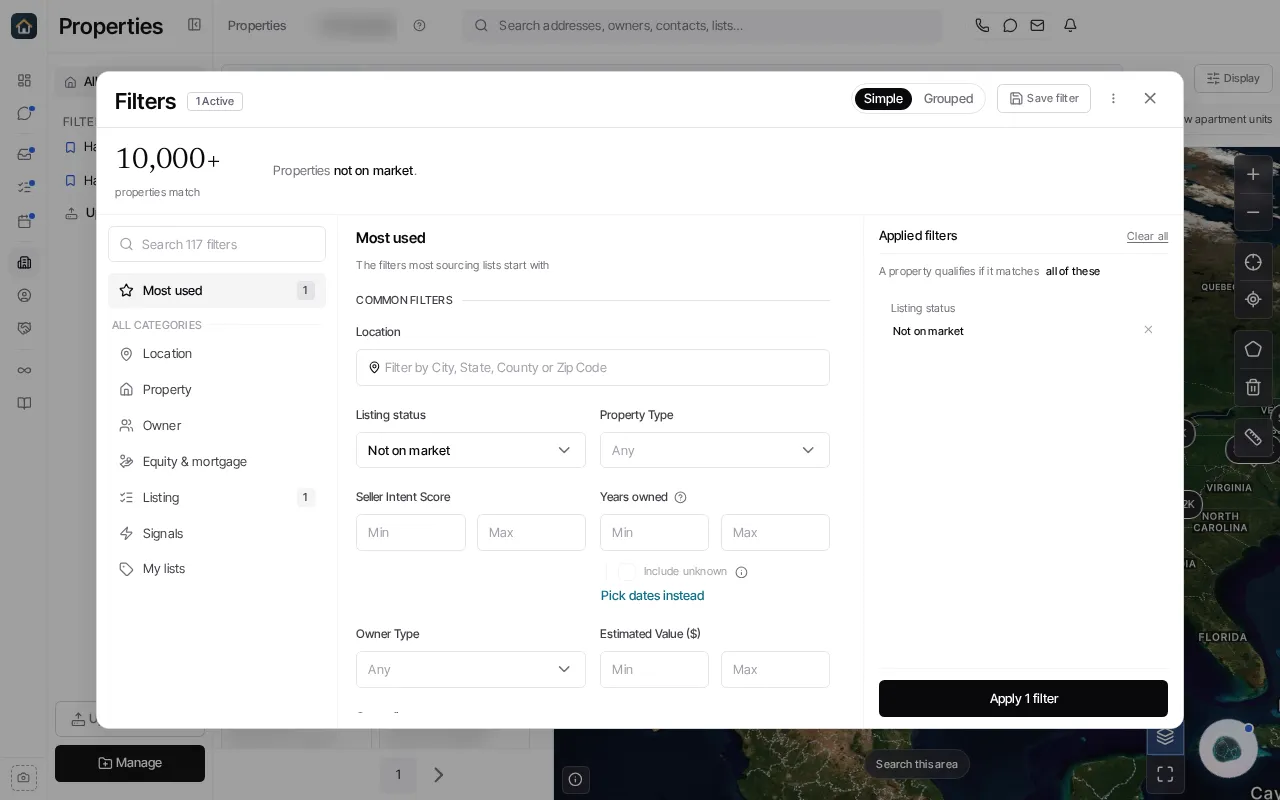
- Open Properties and choose Edit Filter.
- Add the criteria you need and apply them to verify the result set.
- Select Save filter and name the search.
- Choose the offered individual or team scope, and an optional folder when the save dialog offers it.
- Save the filter, then select it from the Properties sidebar to reuse it.
A saved filter stores the search criteria; it is not a static list of the rows currently returned. If your search includes the incomplete-records scope, that scope is saved with the filter as well.
Ask Goliath Reading: Save a Property Filter