
Manage your forms
Open Library → Forms to work with your forms. Use Filter to narrow the list, and folders to group forms, for example one folder per market or per website.
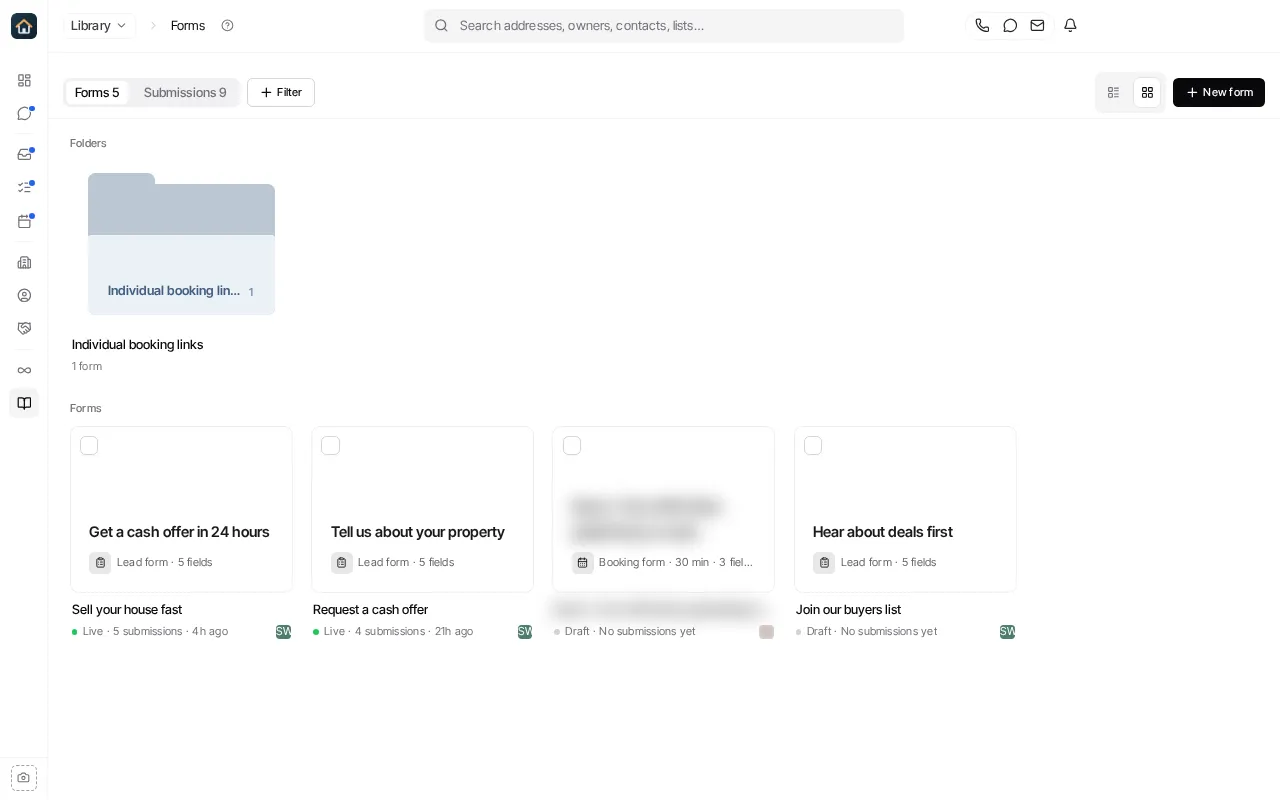
Organize forms in folders
Section titled “Organize forms in folders”Create a folder from the forms list, then move a form into it from the form’s menu (Move to folder). Rename or delete a folder from its own menu.
Reuse a form safely
Section titled “Reuse a form safely”Use a form’s Duplicate action to make a copy. Give the copy a clear name and review its fields, routing and publish state before sharing it. Duplicating is safer than changing a live form when an existing website embed or link must keep working as it does.
Open a form and select Edit form to change it in the full-screen builder. Copy link copies the form’s public link, and the form’s ⋯ menu has Embed and Open live. An unpublished form has to be published before it can be opened live or collect leads.
Retire a form
Section titled “Retire a form”- Unpublish stops a form collecting submissions while keeping it.
- Before you Delete a form, check its submissions and replace any website embed or shared link your team still uses. Delete removes the form from Library.