
Create a note template
- Go to Library → Templates, select New template, select Blank template, then choose Note template.
- Replace Untitled Note Template with a clear name and write the note.
- Use Insert variable for supported record data.
- Select Save template.
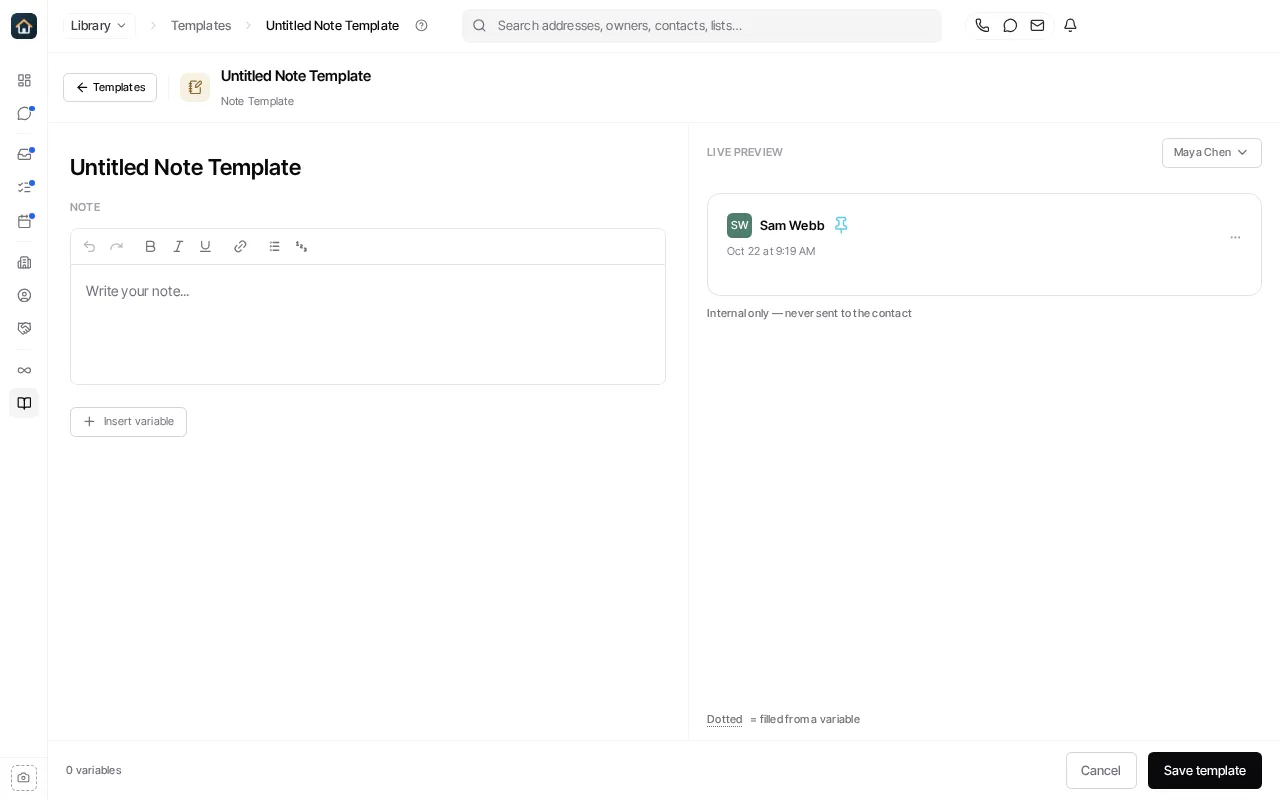
Note templates are internal only; they are never sent to the contact. See Templates to manage your templates.
Ask Goliath Reading: Create a note template