
How Do I Pause or Resume a Workflow?

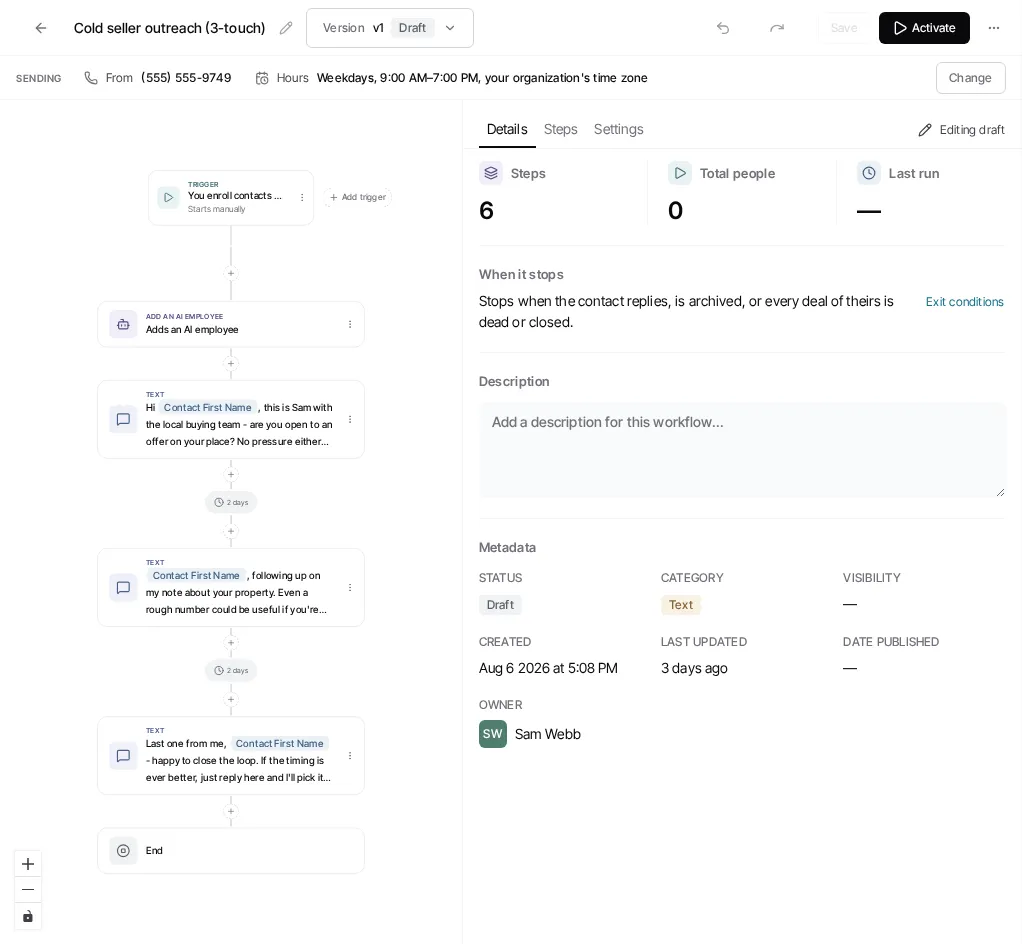
- Open the Workflows tab of Automations and select the workflow from its row or detail view.
- Select Pause to stop the current live version from enrolling new records.
- Select Resume when you are ready to restart the most recently paused live version.
Pause and resume are version actions, not draft actions. If the workflow also has an unfinished draft, resuming does not publish that draft; choose Publish changes separately when those edits are ready.
Individual workflow runs can also be paused or resumed from the workflow’s run activity. This is different from pausing the workflow itself. Use the run controls when only selected record journeys need attention.
See Publish, Pause, and Resume Workflows for details about versions and in-flight runs.
Ask Goliath Reading: How Do I Pause or Resume a Workflow?