
How Do I Create a Text Template?
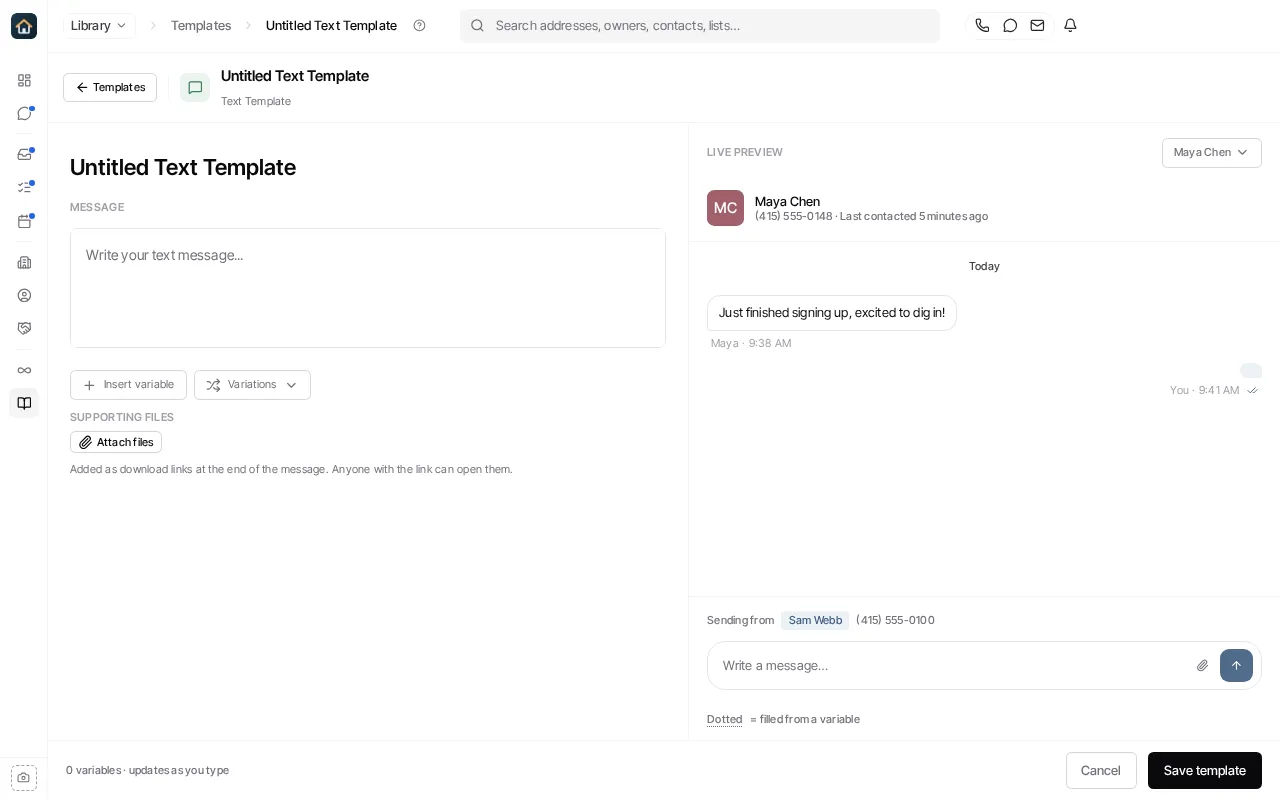
- Go to Library → Templates, select New template, select Blank template, then choose Text template.
- Replace Untitled Text Template with a name that makes its use clear.
- Write the message and use Insert variable for supported record data.
- Use Attach files only when you want supporting files included. They are added as download links at the end of the message, and anyone with the link can open them.
- Select Save template.
Before using a template for outreach, test it with a representative contact and verify your organization’s sending identity, recipient consent, and message content meet your compliance obligations. Do not assume a fixed character limit, delivery cost, or carrier behavior from this guide; those depend on the sender, recipient, content, and carrier.
See Templates to manage your templates and Inbound Response Workflows for form- or event-driven follow-up.
Ask Goliath Reading: How Do I Create a Text Template?