
Search Properties by Map Area
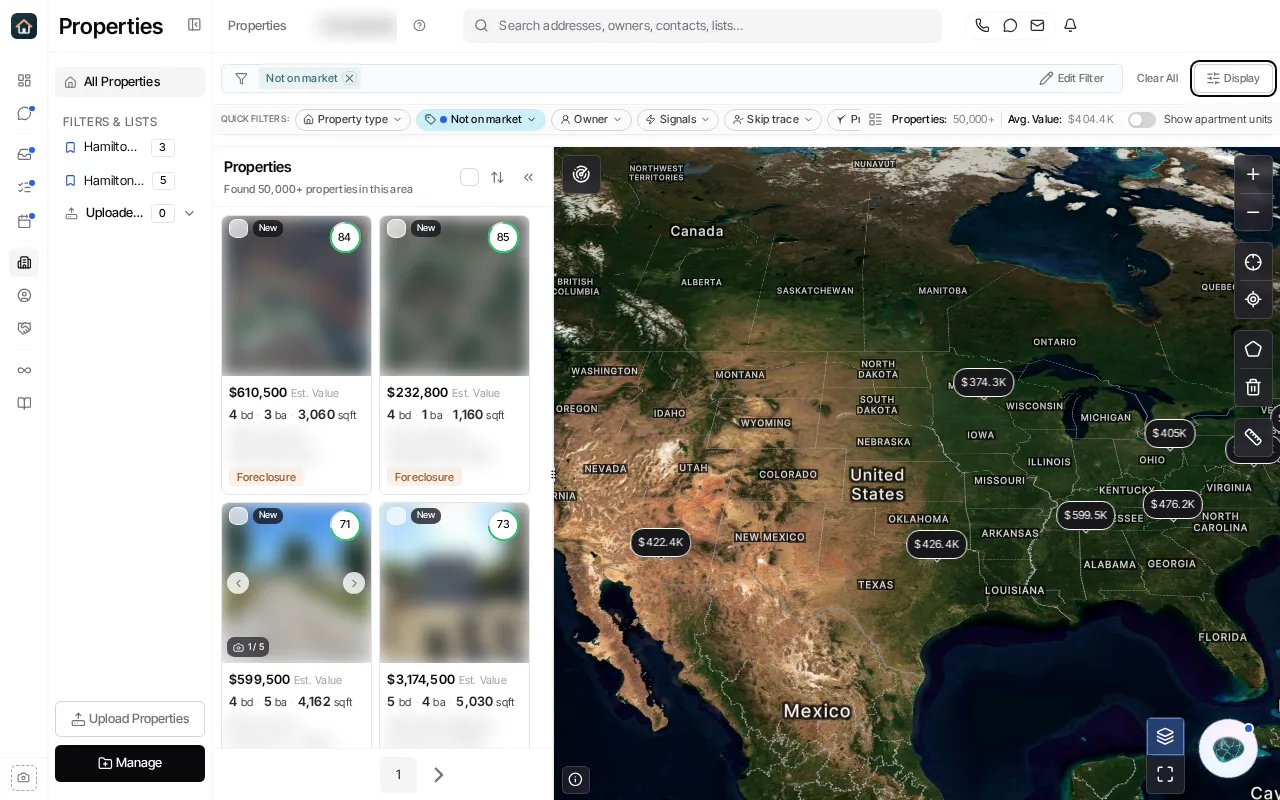
- Open Properties and use Display to choose a map or split layout.
- Pan and zoom to the area you want to investigate.
- Select Search this area to apply the visible viewport as a search boundary.
- Use polygon drawing when a rectangular viewport is too broad.
- Review the resulting properties before saving the filter or beginning a bulk action.
Map boundaries combine with the other active property filters. A named location filter and a map boundary produce their overlap, so use the location notice in the product if you intend to search only the visible map area.
Ask Goliath Reading: Search Properties by Map Area