
Customize Property Table Columns
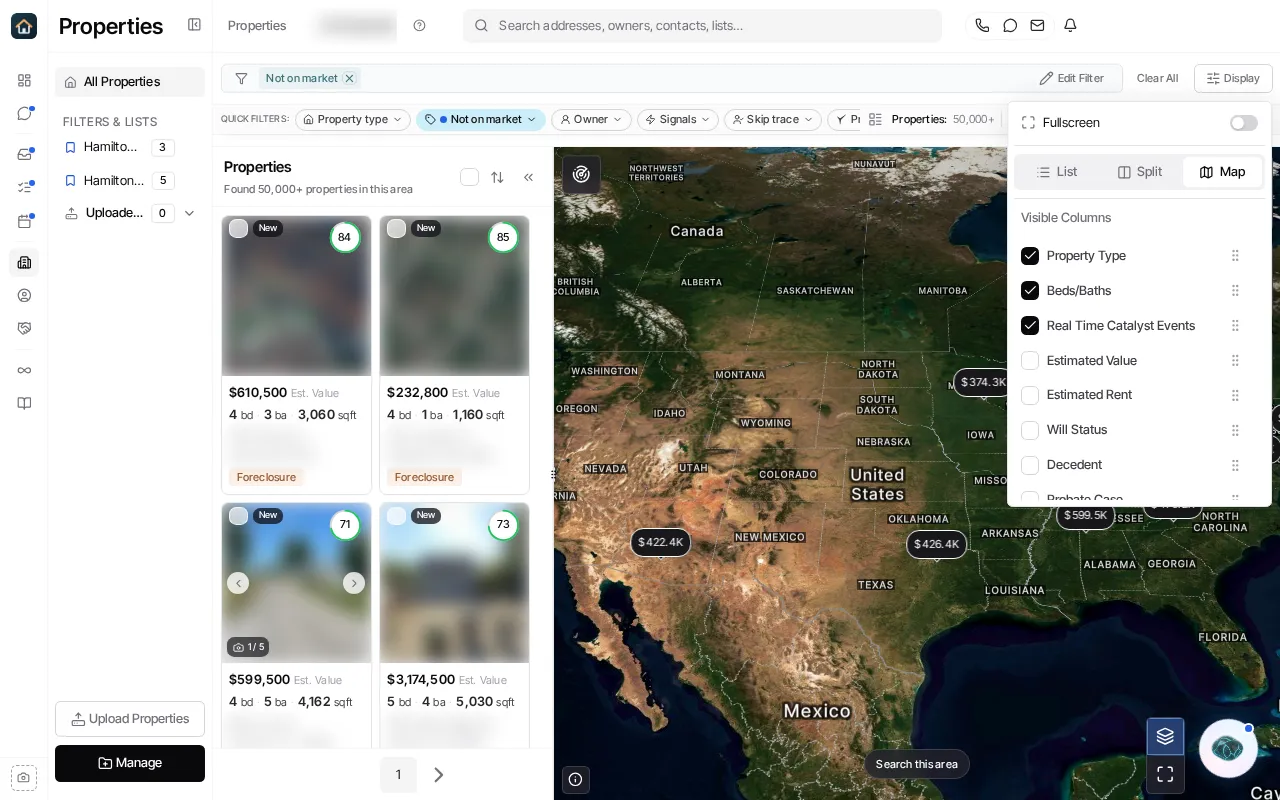
Open Properties and choose Display. Use the control to switch to the table/list presentation when needed, then select the columns you want visible and arrange their order.
Column preferences change how the Properties table is displayed for you. They do not change property data, filters, or another teammate’s view. Export formats and fields are selected in the export flow, so do not rely on hiding a table column to exclude it from a download.
Ask Goliath Reading: Customize Property Table Columns