
Sort Properties
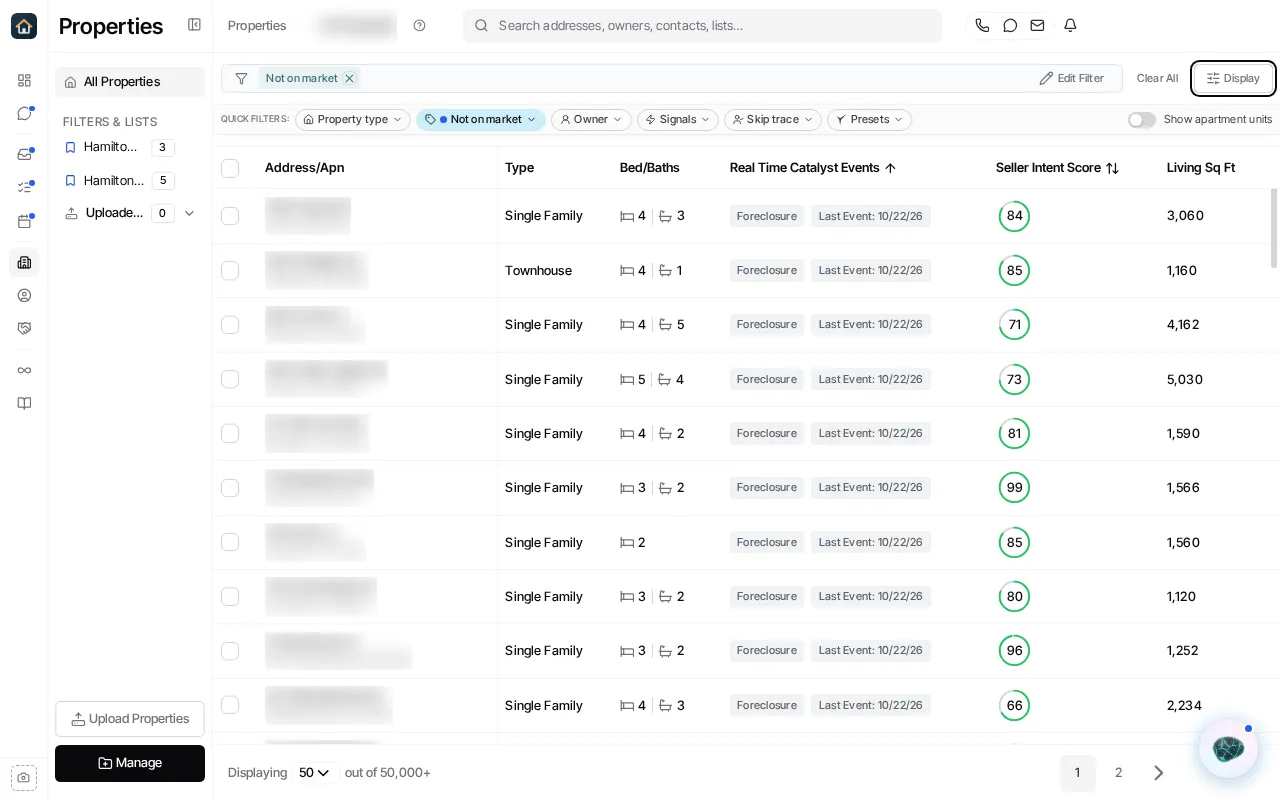
Open Properties, use Display to choose the table/list layout, then select a sortable column header. Select the same header again to reverse the direction. The sort applies to the current filtered result set.
Not every visible field is necessarily sortable. Use the available sort controls rather than assuming a column can be ordered, and use the export flow to choose an output rather than assuming it preserves a table sort.
Ask Goliath Reading: Sort Properties