
Create a lookup table
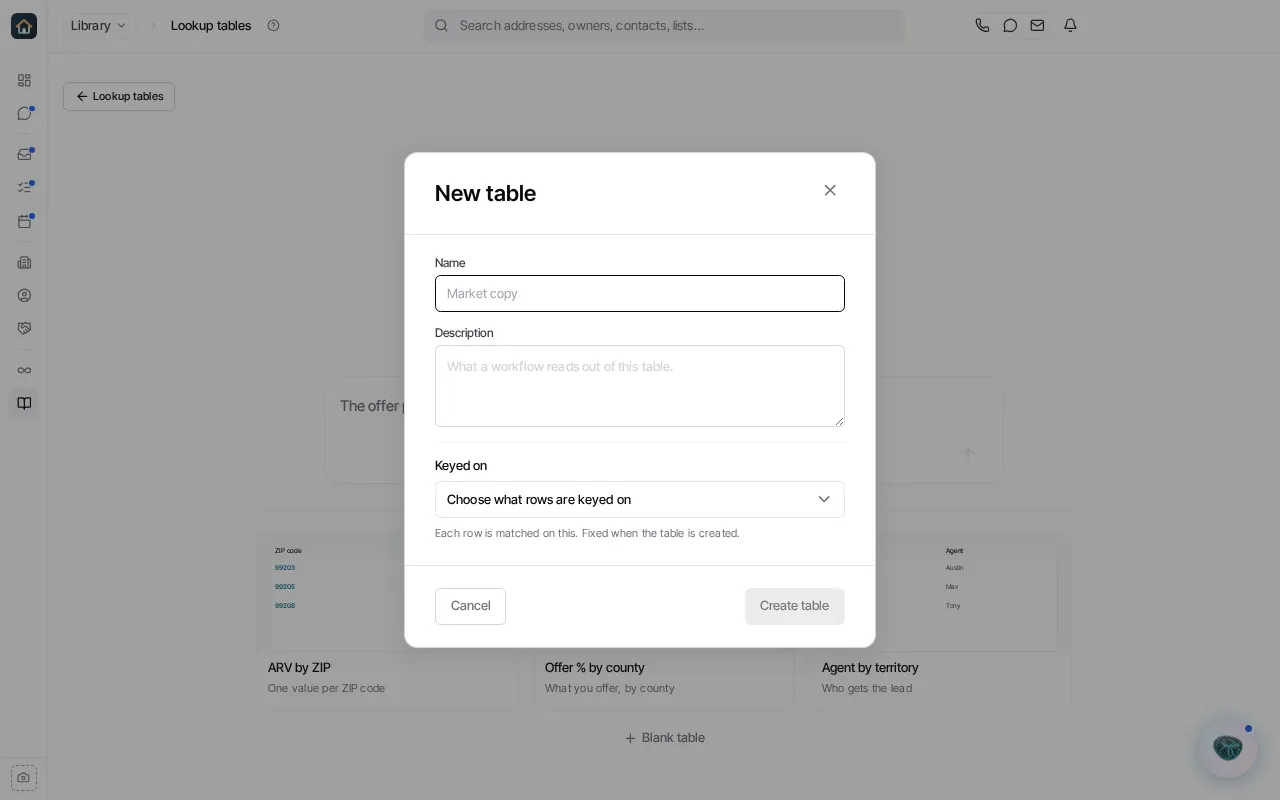
- Open Library → Lookup tables and select New table. Lookup tables are for organization admins. The page that opens also lets you describe the table to Goliath or start from a starter such as ARV by ZIP; to build it yourself, select Blank table.
- Enter a clear Name and, optionally, a Description for what the workflow should read from the table.
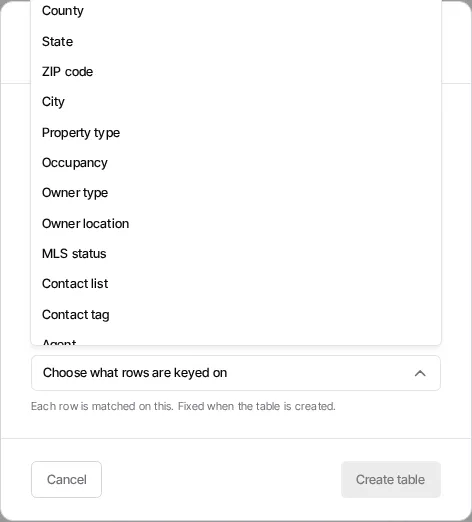
- Under Keyed on, choose the value that will identify each row. This choice is fixed once the table is created.
- Select Create table. Then add the columns and rows your workflow needs.
Use Lookup tables to understand table keys, editing, and lookups.
Ask Goliath Reading: Create a lookup table