
Export Properties
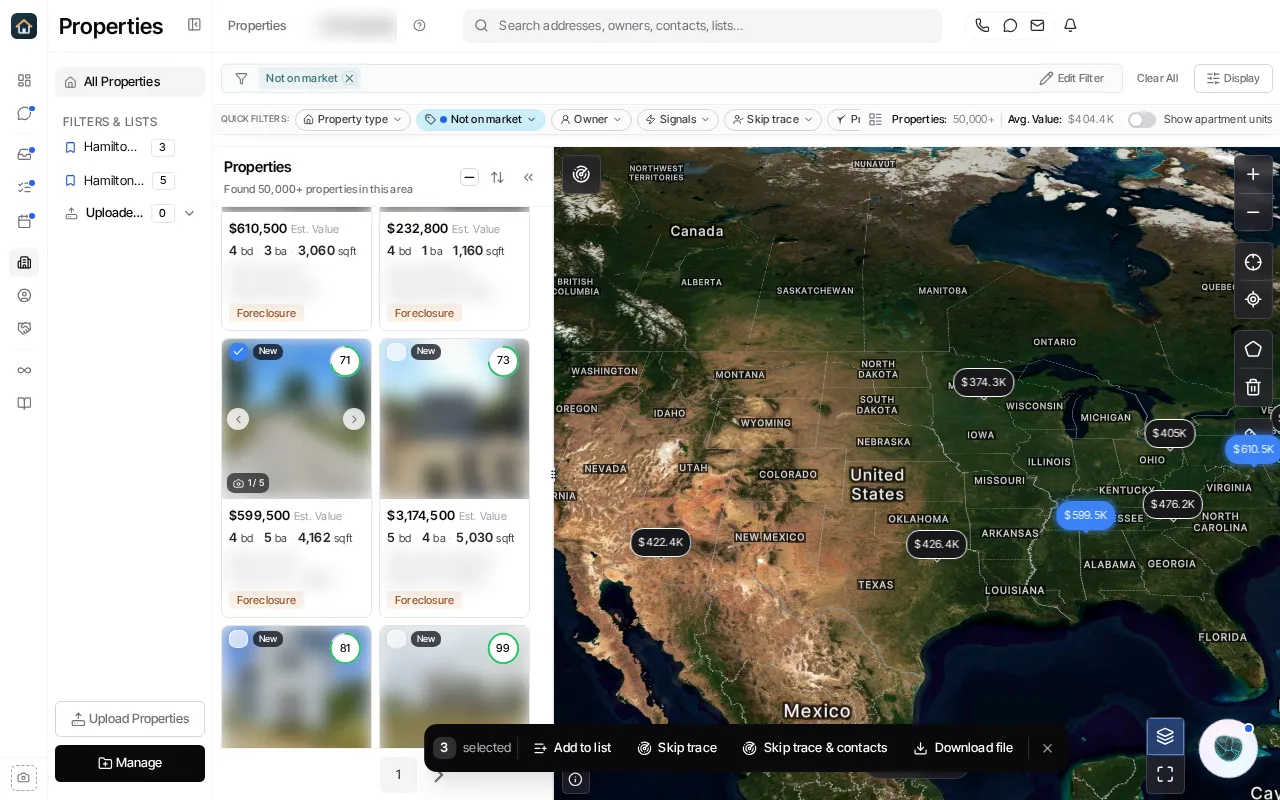
- In Properties, apply filters and select the records you intend to export.
- Verify the count in the floating selection bar. A filter-wide selection can be larger than the rows currently visible.
- Choose Download file.
- Review the offered download options and confirm only when the selection and output are correct.
- Open Library → Downloads and download the result once it is ready.
The selection limit can require you to narrow the result set. A completed export is kept in Library → Downloads; do not submit another request merely because the output is still preparing.
Ask Goliath Reading: Export Properties