
Create a task template
- Go to Library → Templates, select New template, select Blank template, then choose Task template.
- Replace Untitled Task Template with a name, then enter the Task title and any Details.
- Use Insert variable to include record data.
- Under Due, set how long after the template is applied the task is due, and at what time. Choose a Task type if useful.
- Select Save template.
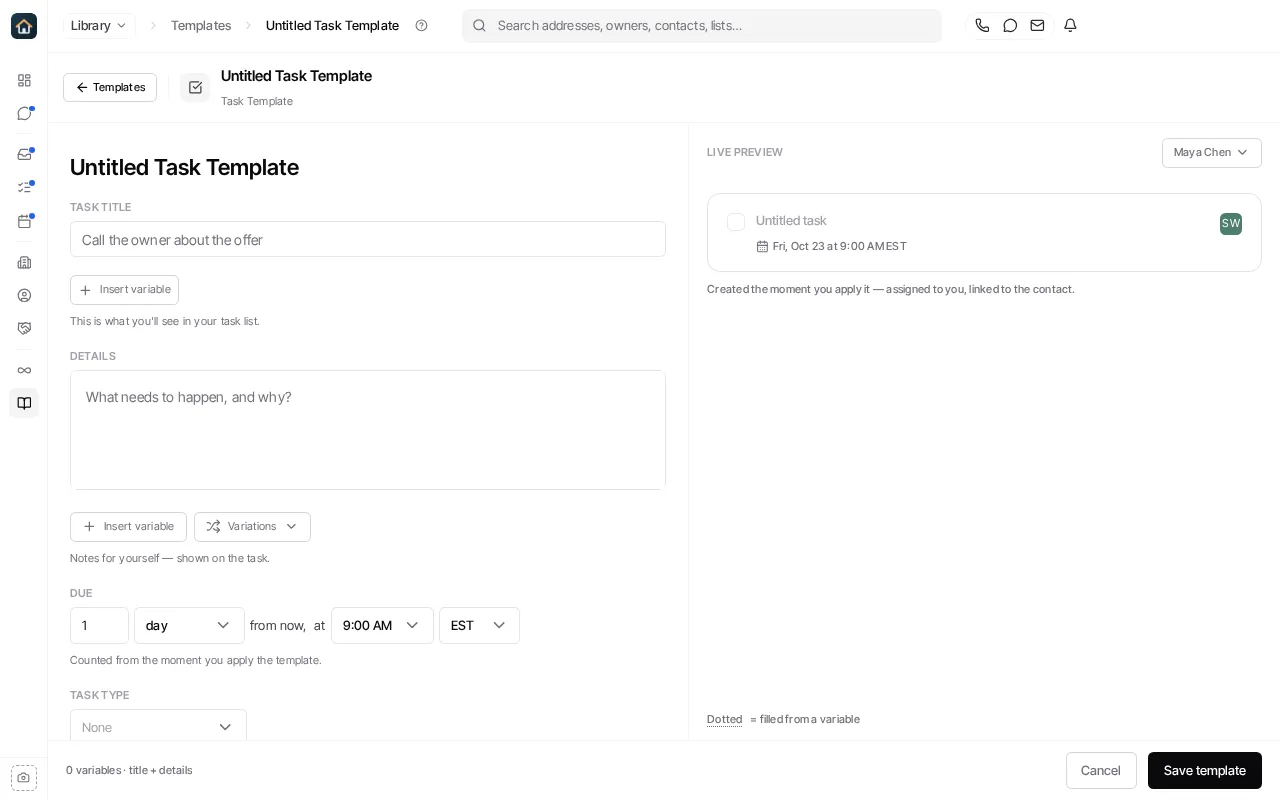
When you apply the template from a contact, Goliath creates the task, assigns it to you and links it to that contact. See Templates to manage your templates.
Ask Goliath Reading: Create a task template