
Inside Goliath: an overview of automations and workflows
Learn how to use workflows, templates, and the ai voice agent David

Austin Beveridge
Tennessee
, Goliath Teammate
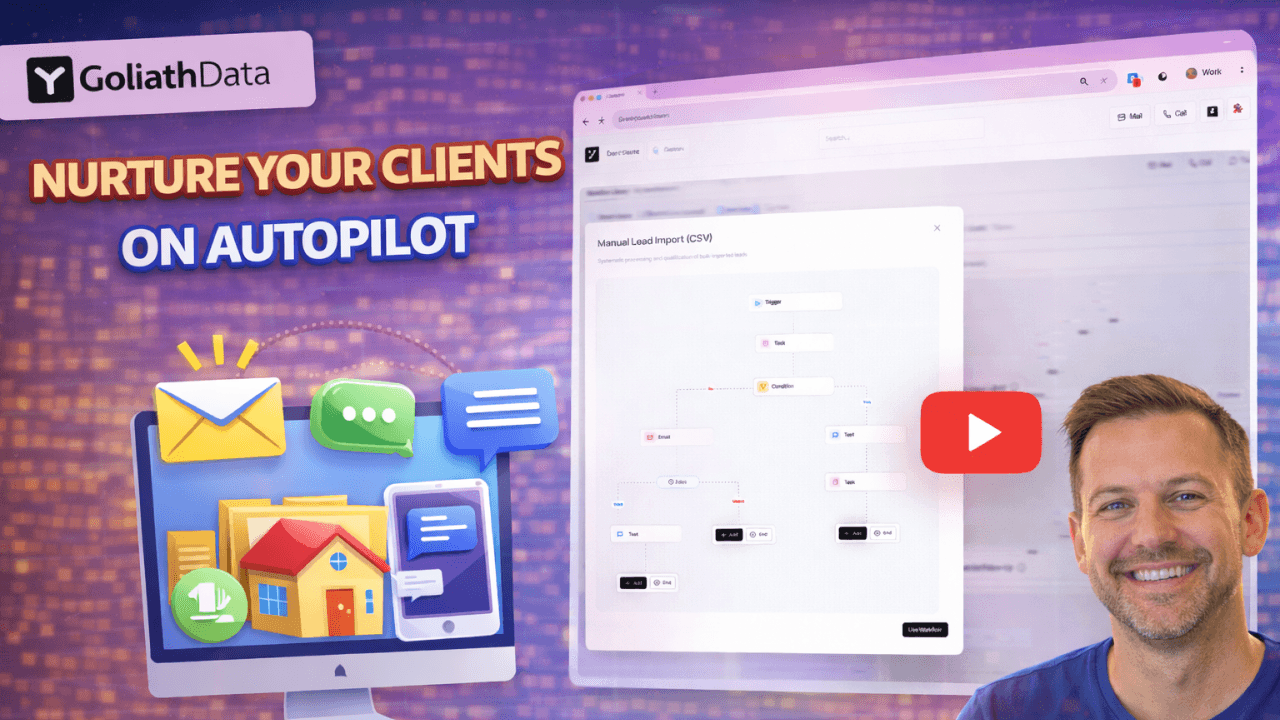
Automations in Goliath are designed to help you move faster without losing control. They allow you to respond instantly to new leads, follow up consistently, and capture information even when you’re unavailable. Automations in Goliath fall into three core categories: Workflows, Content Templates, and David AI, the voice agent. Each plays a different role, but they work best when used together.
Mastering workflows in Goliath
Workflows are automated sequences that take action when a specific trigger occurs. You can think of workflows as “if this happens, then do that” logic applied to your database.
Common workflow actions include:
Sending automated text messages
Sending automated emails
Creating follow-up tasks
Scheduling appointments
Adding contacts to deals
Assigning contributors
Goliath provides prebuilt workflow templates inside the workflow library. These are ready to use out of the box and can also be customized to match your process.
To use a workflow, select a template, choose Use, and define the trigger. A common trigger is a web seller form submission, which creates a new contact in your database.
From there, you can design the sequence. For example, when a new contact is created, you might send an immediate text, follow up with an email, create a task for yourself, wait a set amount of time, and then take additional action if there’s no response.
Workflows can also include conditions. Conditions allow you to stop or change the workflow based on behavior. If someone responds to a text or email, or if you’ve already spoken with them, you can remove them from the workflow so they don’t continue receiving automated messages.
Once a workflow is ready, click Save and Publish to activate it. You can publish as many workflows as you need, as long as you stay within your plan limits.
Content Templates
Content Templates are reusable messages and notes that save time and keep communication consistent. Templates can be used inside workflows or manually from the Contact Details page.
There are three types of content templates:
Email templates
Text message templates
Note templates
Email and text templates are useful for outreach, follow-ups, investor messaging, and seller conversations. For example, you might have templates for reaching out to investors about a specific address or for checking homeowner interest and price expectations.
Note templates are designed for internal use. These are especially helpful during calls and meetings. You can create structured templates for intake calls, follow-up calls, negotiations, property walkthroughs, or transaction coordination. Instead of starting from scratch every time, you can apply a template and fill in the details.
Templates can be created directly from the templates section and reused anywhere in the app, including workflows and individual contact records.
David AI Voice Agent
David AI is Goliath’s voice agent for handling inbound calls. It’s designed to make sure you never miss an opportunity, even when you can’t answer the phone.
David can take inbound calls from:
Your website
Form submissions
Dedicated phone numbers
Missed calls
You can fully customize David’s behavior. This includes the agent’s name, voice, tone, and the information it collects. You can define how David handles buyers versus sellers, what questions are asked, and what happens when someone requests to speak with a live person.
If a call is missed, David can step in automatically, gather key details, and route the information appropriately. All collected information is pushed directly into the Goliath Contacts section and can also sync with your external CRM if you’re using one.
David AI works best when paired with workflows. For example, once David captures a lead, a workflow can immediately trigger follow-up messages, tasks, or appointments.
How It All Works Together
Workflows handle the automation logic
Content templates handle the messaging and documentation
David AI handles inbound calls and lead capture
When combined, these tools allow you to respond instantly, follow up consistently, and keep every interaction organized without manual effort. The goal is not to replace human interaction, but to make sure nothing slips through the cracks before a real conversation happens.
