
Inside Goliath: an overview of the unified inbox
Unify your communications so you never miss a call, text or email again

Austin Beveridge
Tennessee
, Goliath Teammate
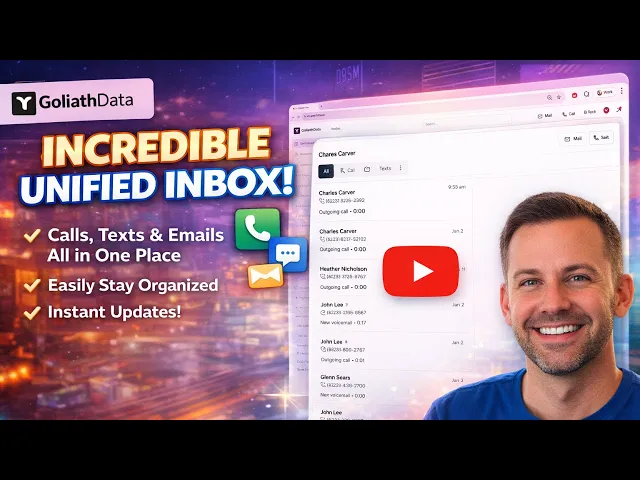
This guide breaks down the inbox within the Goliath workspace and shows how to manage every buyer and seller conversation from one unified inbox. Learn how calls, texts, and emails stay organized alongside tasks, appointments, and notifications, with smart threading and real-time updates that make follow-ups and negotiations easier to manage.
What's covered in the video
Using the Unified Inbox
The Inbox stores all customer communications, including:
Calls
Text messages
Emails
All communication types with a single contact are automatically grouped together in one thread.
Filtering and Organizing Conversations
Filter conversations by:
Missed calls
Missed texts
Unresponded calls
Unread messages
Sort messages by newest or oldest.
Mark conversations as read or unread to manage follow-ups.
Team Visibility
Filter by team member to see who last communicated with a contact.
Useful for teams managing shared inboxes and handoffs.
Communicating With Contacts
Send emails directly from the email module in the top right.
Place calls to contacts directly from the workspace.
Send text messages using the embedded messaging module.
Accessing Contact Details
Click on a contact’s name to open their contact details page.
Add notes and review full communication history from this view.
Best Practices, Tips, and Tricks
When to Use the Inbox
Start and end your day here to catch missed or unread messages.
Use it as the source of truth for active conversations and negotiations.
Check it before moving a lead to an appointment or follow-up task.
Notes and Documentation Best Practices
Log key call outcomes, objections, and next steps.
Add notes immediately after conversations to keep records accurate.
Notes sync with the contact record and support better handoffs between team members.
Relationship Between Inbox and Tasks
Conversations in the inbox often drive follow-up tasks and appointments.
Keep messages updated so tasks reflect the most recent context.
